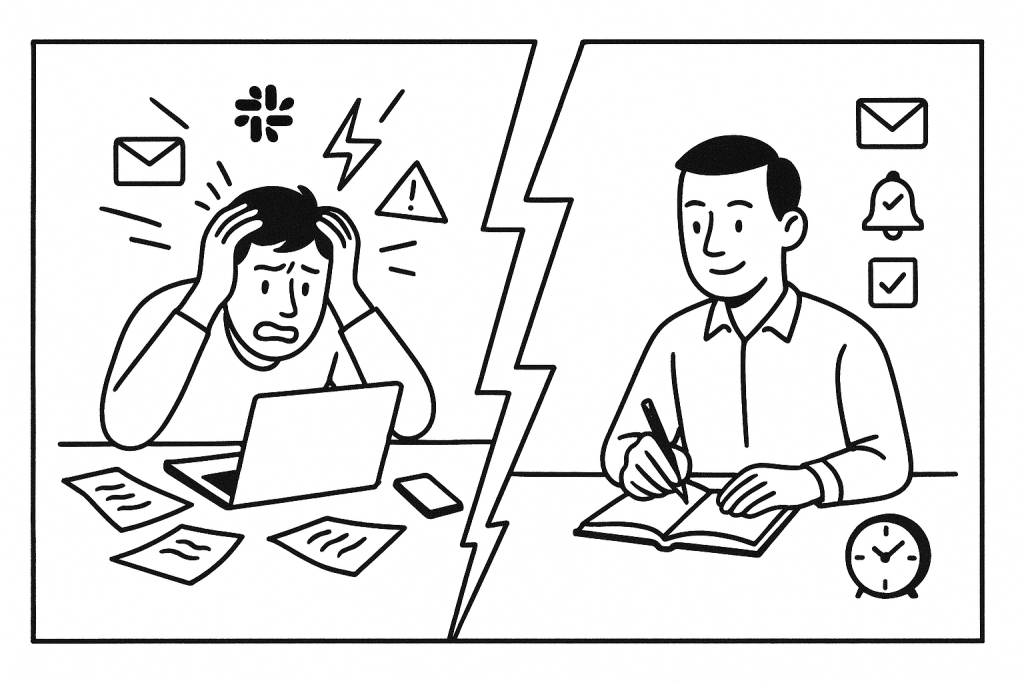
We’ve all been there. Multiple Slack channels pinging, emails flooding in, calendar invites stacking up, and todos scattered across various tools. It’s overwhelming, and at the end of the day, I often found myself wondering what I actually accomplished.
Two weeks ago, I started using Sunsama, and it’s changed how I approach my workday.
The Modern Work Problem
The average knowledge worker (writer, designer, developer, product manager, etc) checks communication tools every 6 minutes and faces frequent interruptions throughout the day, according to research from RescueTime.
According to another study, knowledge workers are interrupted an average of 15 times per hour – about once every four minutes. This constant disruption leaves just a fraction of the day for focused work.
This matched my experience perfectly. I was constantly juggling notifications from P2, Slack, emails, and todos. I felt compelled to respond immediately, which led to constant context switching and an inability to meaningfully focus. This isn’t anyone’s fault, but it was definitely an issue that needed a solution to ensure I remained productive.
The Power of Time Blocking
Sunsama uses time blocking; scheduling specific chunks of time for particular tasks. While not a new concept, Sunsama’s implementation makes all the difference.
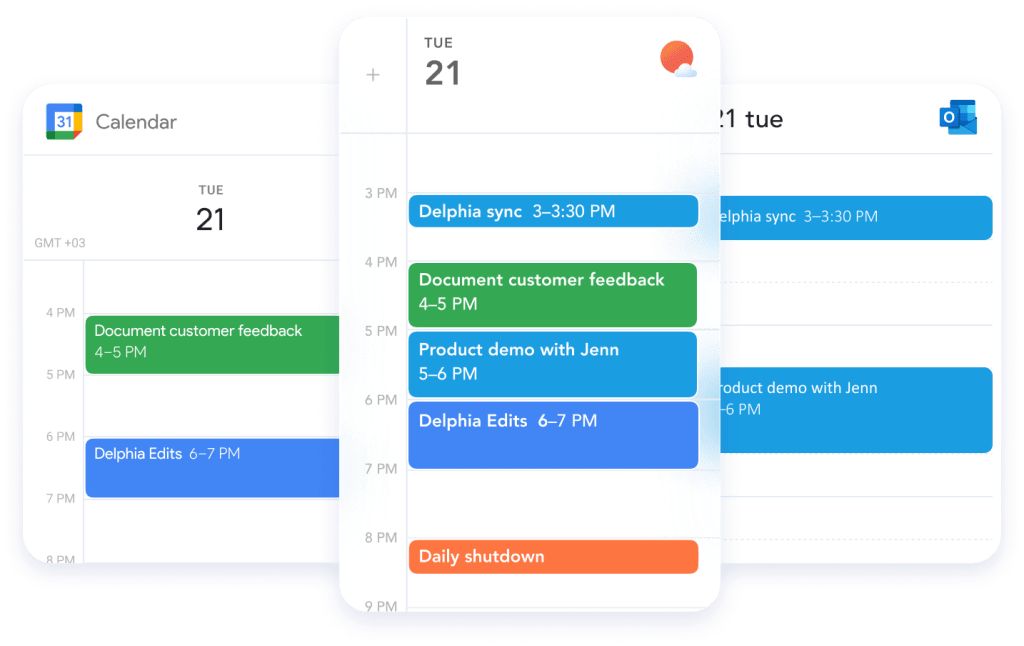
My daily planning ritual is now simple but powerful:
- I review tasks from connected tools (Slack, email, Linear) and manual entry
- I select what I want to accomplish tomorrow
- I drag tasks into my calendar, creating visual time blocks
- I adjust until my day looks balanced, not overloaded, not underutilized
This visualization of capacity is crucial. Research from Microsoft’s Work Trend Index shows that 54% of workers feel overworked. Many struggle to accurately estimate how long work will take. Seeing my day mapped out gives me a reality check on what’s actually possible.
Within Sunsama I am also able to define my specific work schedule for every day of the week. This means when items are added to the calendar, it already accounts for my working hours, including any calendar events like meetings, phone calls, and AFK.
Everything in One Place
One feature I particularly value is connecting Sunsama to my email, Slack, and Linear. This pulls items from those sources directly into my Sunsama calendar as tasks.

These integrations transform how I handle communication. Slack creates an expectation of immediate responses, but that’s not always possible or productive. By scheduling time to respond to messages, I ensure I always reply mindfully, just not always instantly.
According to Asana’s research on task batching, batching similar tasks like communications helps avoid “context switching”, the mental effort of constantly refocusing between different types of work, which significantly improves productivity and reduces stress.
The Slack integration allows me to add specific Slack messages to Sunsama as “tasks”, allowing me to schedule them for review/reply on a specific day. Of course, some messages can be replied to instantly if time allows.
Focus Mode for Deep Work
When working on a task in Sunsama, I can activate “focus mode” which starts a timer and blocks distractions in Slack (by using the “mute notifications” feature).
Research from Gloria Mark at UC Irvine has found it takes an average of 23 minutes and 15 seconds to get back to a task after an interruption.
By deliberately setting aside distraction-free time, I get into flow state more consistently. The timer also creates a mild pressure to stay on task, which I find helpful.
Celebrating Daily Wins
One of my favorite features is the daily shutdown ritual. At the end of each day, Sunsama summarizes what I’ve accomplished and allows me to create a “feed” of daily achievements.
This addresses a common problem: feeling like I hadn’t achieved anything despite being busy all day. The constant interruptions, calls, and reactive work left me feeling unproductive.
According to research published in Harvard Business Review, tracking accomplishments over time leads to significantly higher life satisfaction and professional happiness. Simply seeing what you’ve done provides closure and a sense of progress.
I can also share this summary with my team in Slack, which creates accountability and visibility.
Two Weeks In: The Results
After just two weeks with Sunsama, I feel more in control of my time. I’m context-switching less, completing more deep work, and ending each day with a clearer picture of what I’ve accomplished.
The tool isn’t magic. It’s just thoughtfully designed around how knowledge work actually happens today.
Tips for Getting Started
If you’re interested in trying Sunsama, here are a few quick tips:
- Start by connecting just one or two of your most-used tools
- Be realistic in your daily planning, aim to slightly underbook
- Use the shutdown ritual every day, even if you didn’t complete everything
- Don’t expect perfection. Some days will still go off the rails
What Works for You?
I’ve tried many productivity tools over the years, even building my own AI-based todo list app. But even with that custom solution, I found myself choosing my own items anyway, and the system itself became another thing to manage.
What productivity tools or systems are working for you? Have you tried time blocking? I’d love to hear about your experiences in the comments.
Disclaimer: the Sunsama link is an affiliate link, but I’ve not been asked to promote the app in any way.


Leave a Reply